Save videos, audio, photos and files from many sites
For Mac, Windows and Linux. Copy a link, Nezzel picks it up, you choose a quality and click Download. The file lands in Downloads/Nezzel. Free, no ads, no account.
A tour of the app
Copy a link. Choose what to save, then find the file in your list.
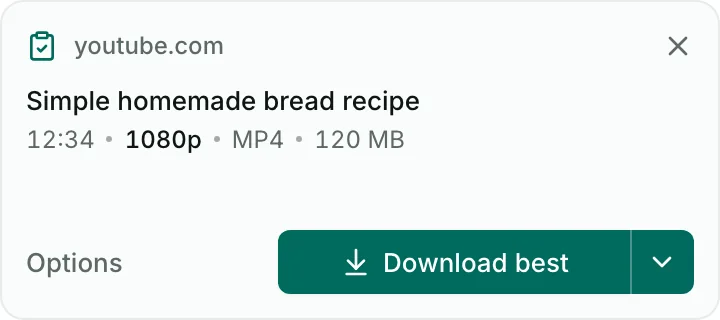
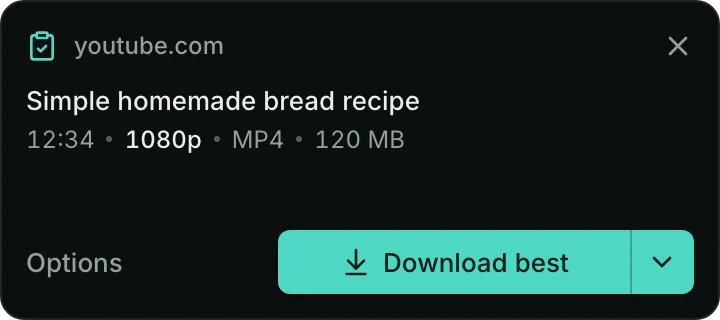
It picks up the link you copied
Copy a link and a small card appears: Download best, or Options. Nothing starts until you choose
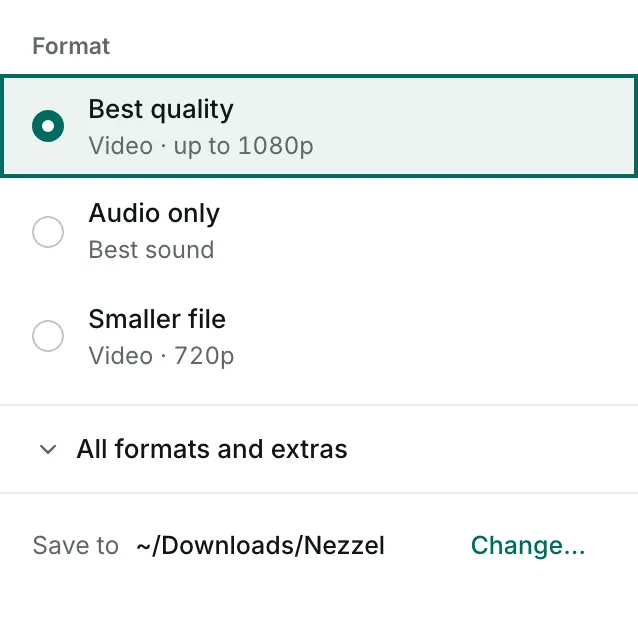
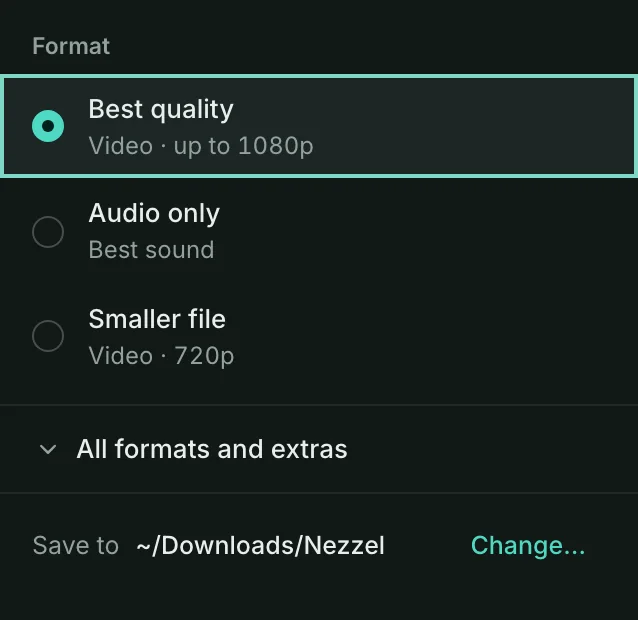
The quality you want, or audio only
Best quality in one click, or pick the format, quality and folder for each download
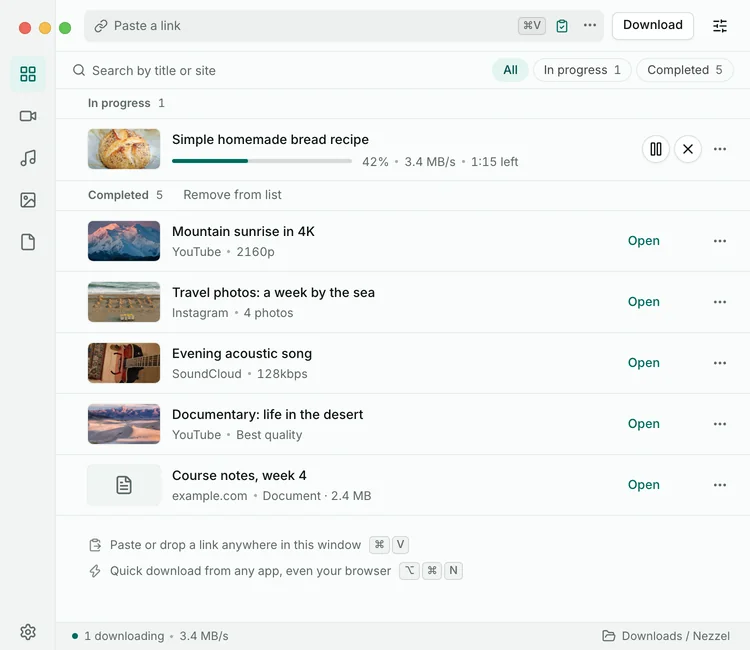
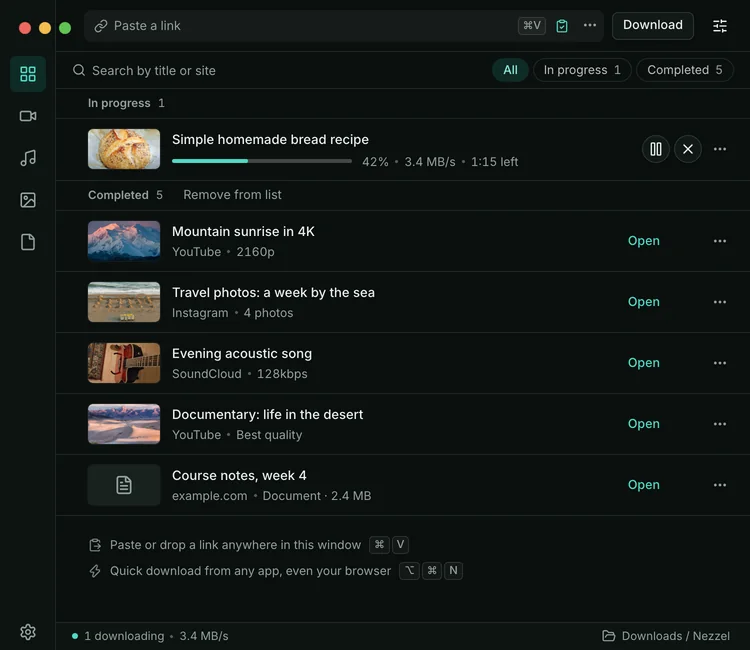
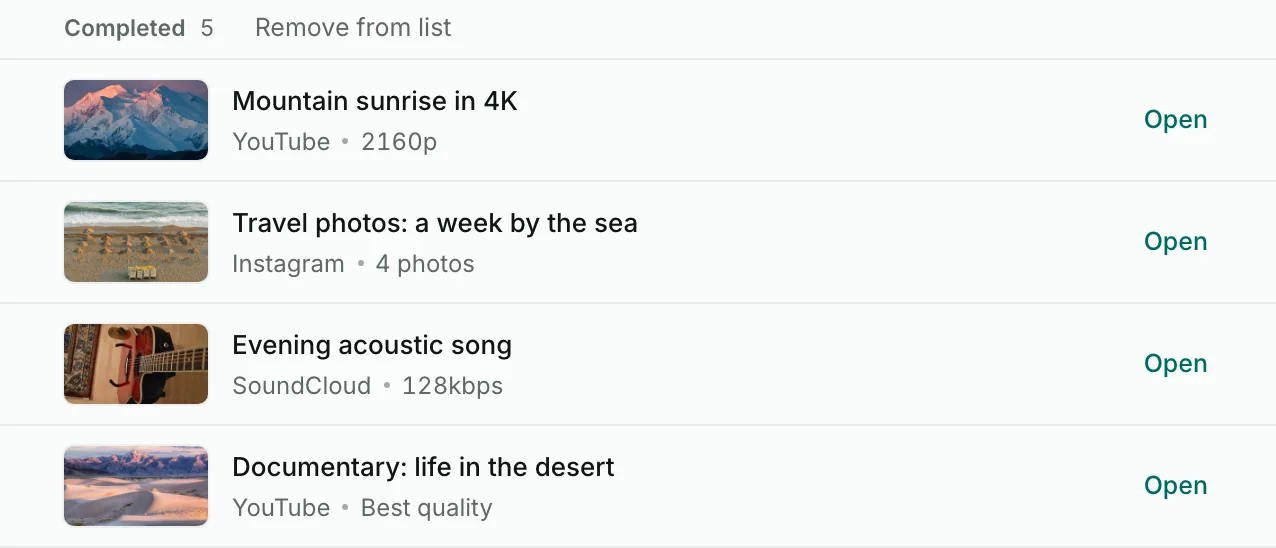
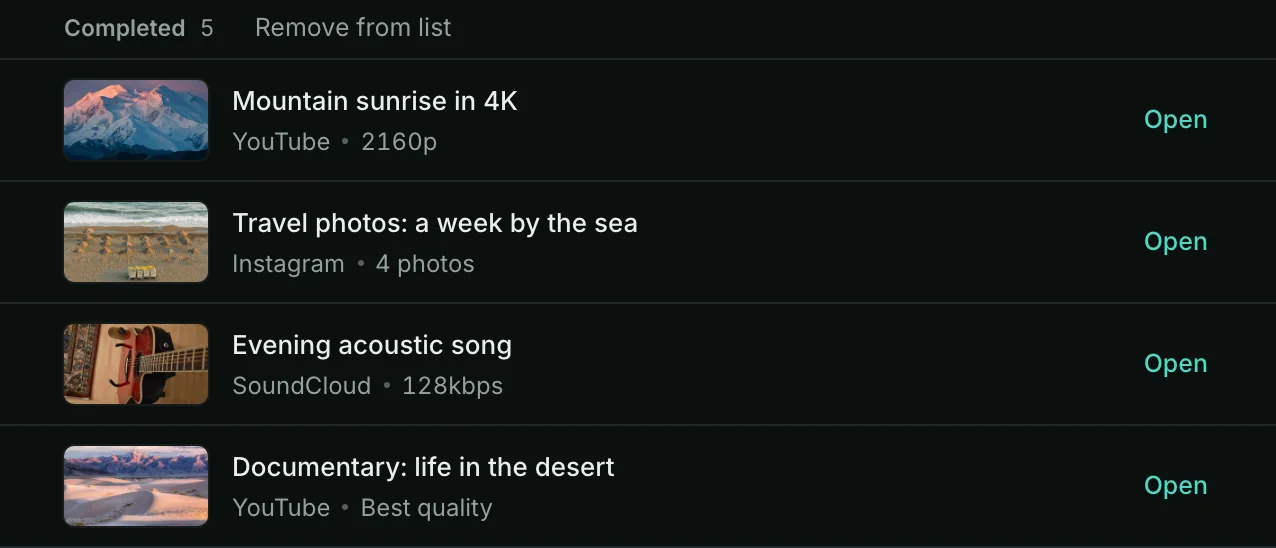
All your downloads in one list
Running, finished and failed in one place. A running download shows its progress and speed; finished ones have an Open button


From download to first file
Four short steps. The install page covers the first-open warning.
Download the version for your system
The button above picks the right one for your system
Open it the first time
On Mac and Windows your system warns you because the app isn’t signed. Follow the install steps
Its tools come with it
yt-dlp, ffmpeg and the rest are inside the installer, so nothing is downloaded on first launch. Nezzel keeps them up to date afterwards
Copy your first link
The file lands in Downloads/Nezzel
Quick questions
Short answers. Including what it sends and what it can’t download.
Is it really free?
Yes, and open source under AGPL-3.0. No ads, no account, no paid tier.
Why do I see a warning when I open it?
It’s free and isn’t signed by Apple or Microsoft. The warning is expected on Mac and Windows; the install page shows how to open it and how to check the file.
Does it send anything about me?
Crash and error reports and anonymous daily usage counts go to our own servers. Both are on by default, and each has a switch in Settings. Update checks go to GitHub. Never file names, paths, cookies or the full link, unless you send a report yourself with “Include the link” ticked.
When does it use my browser login?
Only when a site needs one: Nezzel then uses the browser you are signed in with, automatically. It uses only that site’s cookies for that download, on your computer, and remembers the browser’s name, never the cookie values. Switch it off in Settings → Logins → Use browser logins automatically.
What do the Mac permission prompts mean when a site needs my login?
Some links only open when you are signed in. If macOS asks permission first, here is what to click; if you decline, that one download fails and you can retry. Keychain (Chrome, Edge, Brave): click Always Allow to be asked once, or Allow to be asked again next time. Safari: if the download fails, turn on Nezzel in System Settings → Privacy & Security → Full Disk Access, then restart Nezzel. Automation (“control your browser”): the quick download bar asks it to read your open tab’s link; click Allow, or Don’t Allow and Nezzel uses the copied link instead. Cookies and passwords are never sent anywhere.
Where are my files?
In Downloads/Nezzel, or any folder you choose. Removing an item from the list never deletes the file.
A link doesn’t work?
Open an issue on GitHub and name the site. We don’t need the link itself.
What can’t it save?
Private posts, paid content and DRM-protected video aren’t supported.
Runs on your system, costs nothing
Four separate apps, one for each system. No account links them; each one works on its own.
MacYour device
Apple Silicon and Intel
How to installWindowsYour device
x64 and ARM
How to installLinuxYour device
.deb · .rpm · AppImage
How to installAndroidYour device
Android 10 or newer
Android app
Free and open source
No ads, no account, no paid tier. Licensed AGPL-3.0.
Updates itself
Nezzel and its tools stay current; you can turn that off.
Three languages
English, العربية and Français.
Desktop version 0.1.1