Got lots of links?
Download them all at once
Keep videos, MP3 songs and even photo posts from Instagram, TikTok and X on your phone
Open this page in Chrome
⋮ → Open in browser
Nezzel is for Android only
Free · No ads · Android 10 or newer
Version 0.5.9 · How to install
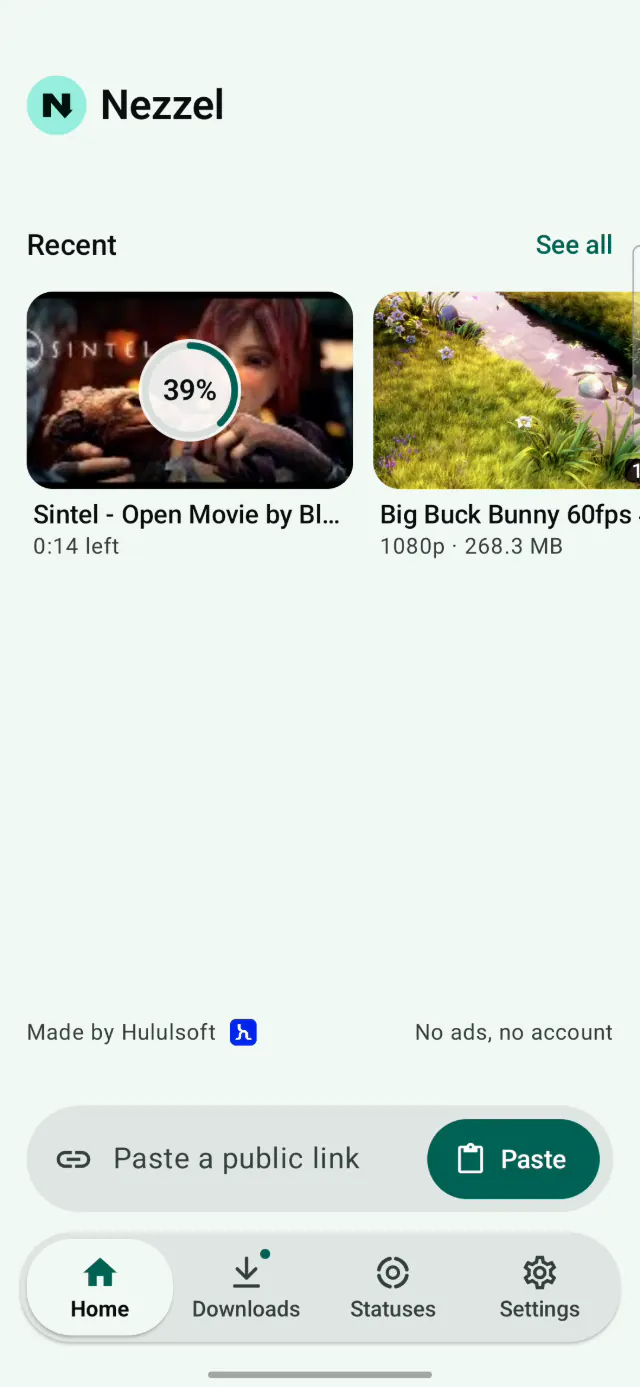
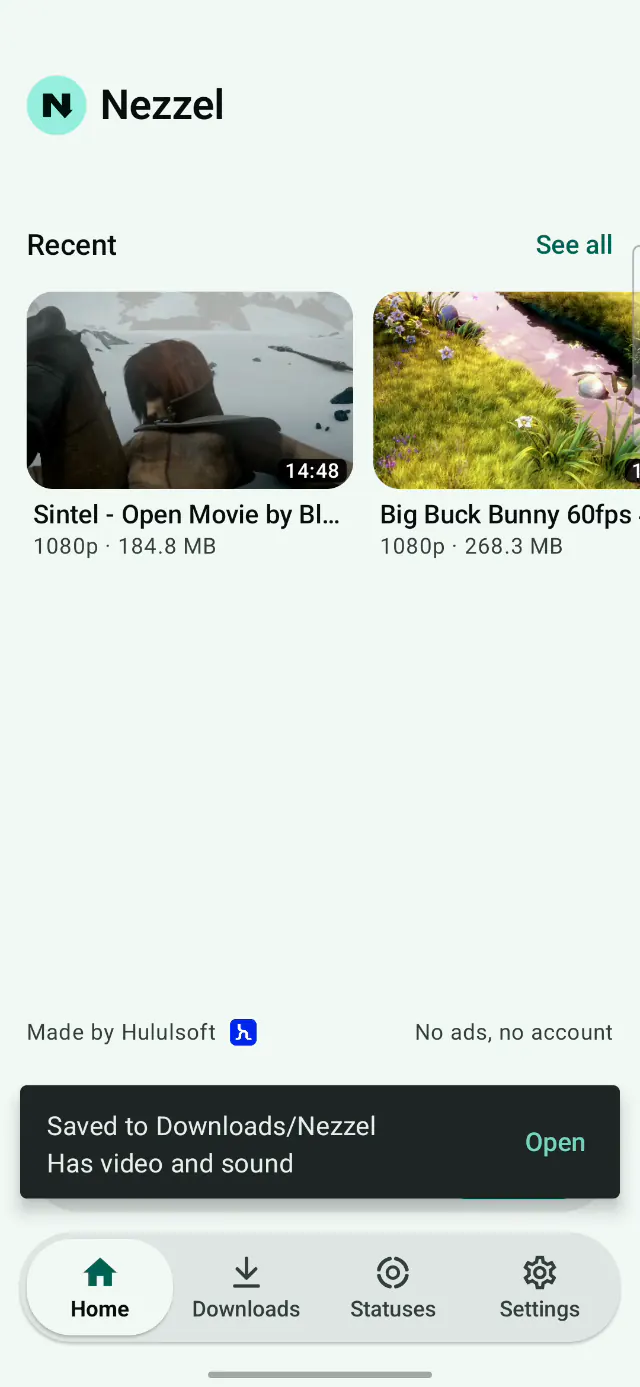
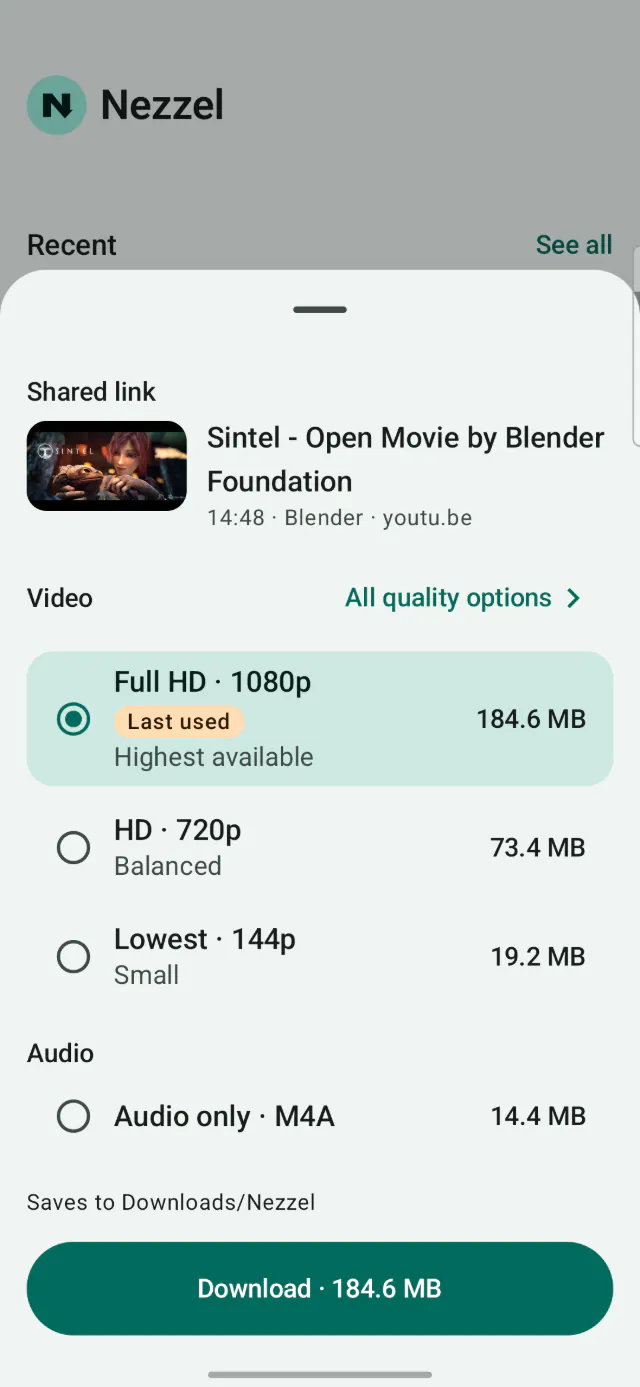
A free app for Mac, Windows and Linux: copy a link, Nezzel picks it up, you choose a quality and click Download.
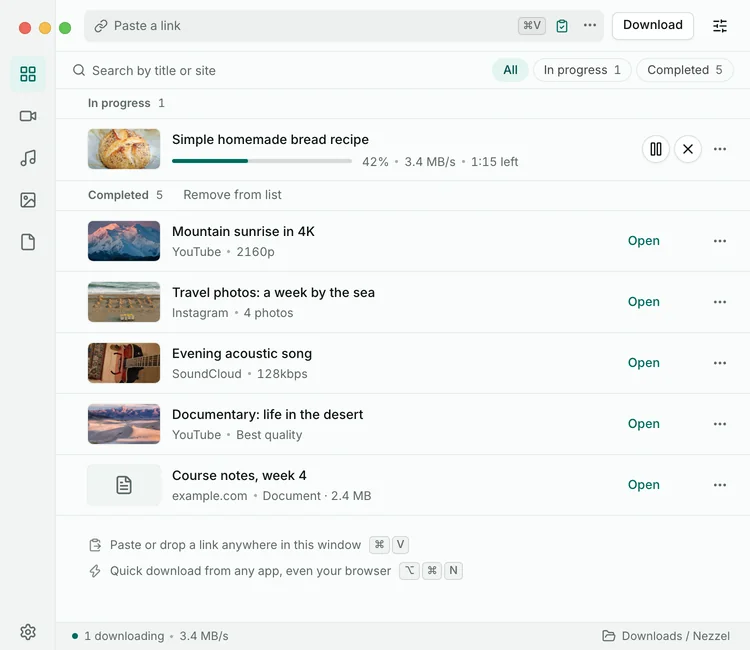
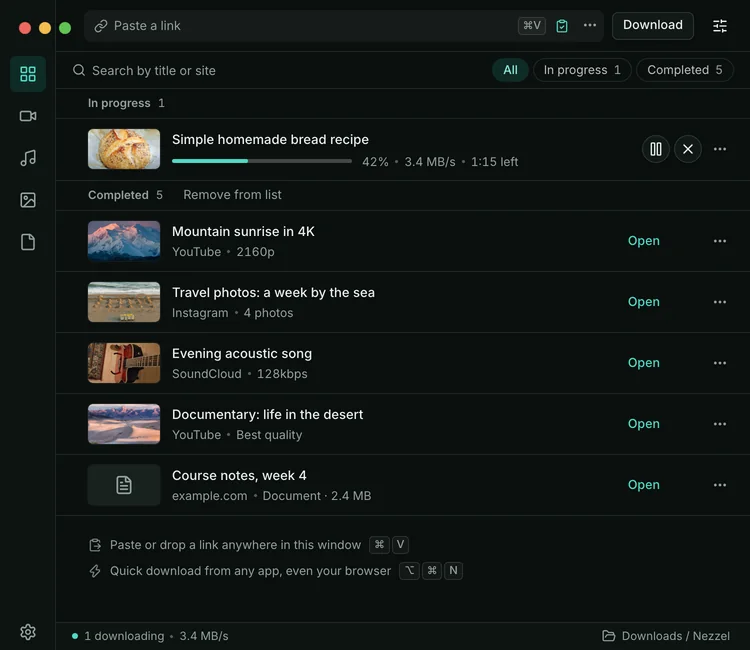
The download waits, then picks up where it stopped
Download them all at once
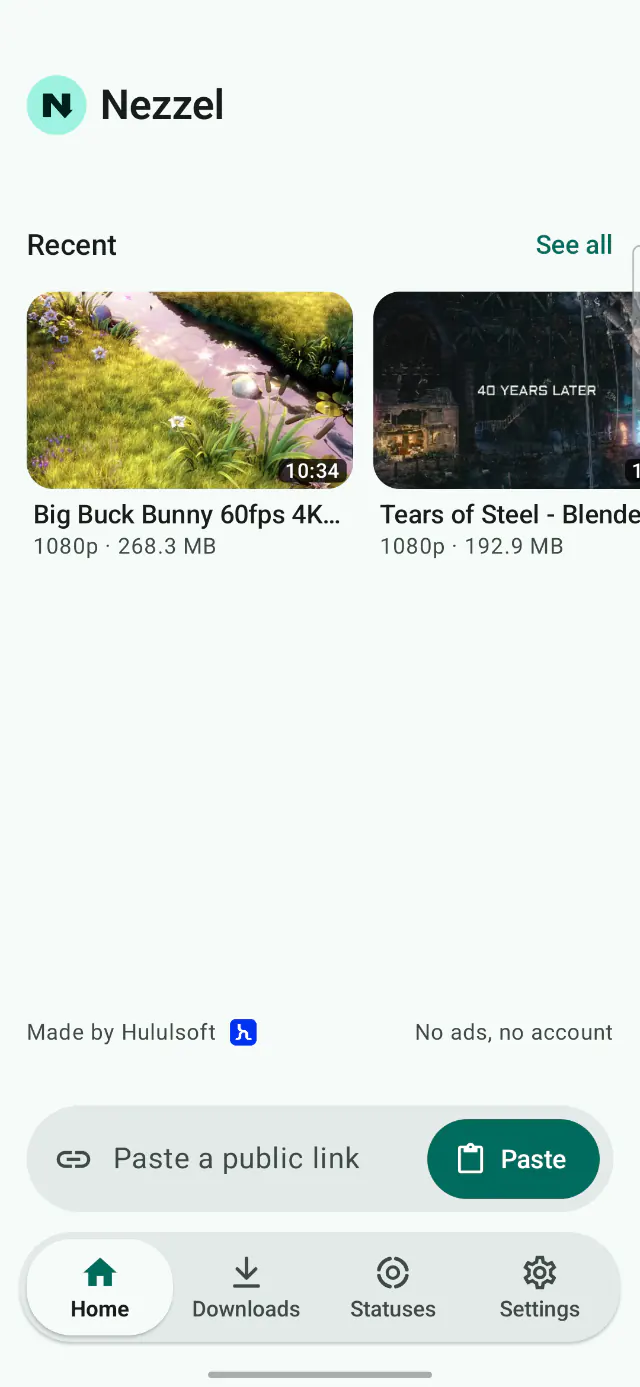
Paste its link and Nezzel saves them one by one
Save them in one tap
Search your files, or show just the videos, the audio or the statuses
It picks up where you left off, and music keeps playing with the screen off
For songs and podcasts, in a smaller file
Follow your downloads without opening the app
And many more
Start the download: tap “Download the app”, then “Download anyway”. The warning is normal
Tap “Open”, then “Settings”, and allow it. Only the first time
Tap “Install”. If Play Protect offers a scan, let it finish
Open Nezzel and try your first link
Yes, completely. No ads, no subscription
Popular video and photo sites, as long as the link is public. Some links won’t work, and private, protected or sign-in-only content isn’t supported. Sites we’ve tested
Watch the status in WhatsApp, then open the Statuses tab in Nezzel. The first time, you allow access to one folder. That’s all
Play Store rules restrict apps that save videos, so we publish Nezzel free on GitHub. Android just checks with you before installing it
Nezzel updates itself when it can. If it can’t, it lets you know and you tap Install. Your files and settings stay put
Into Downloads, in the Nezzel folder, or any folder you pick in Settings. Your Files app shows them
No, there is no iPhone or iPad app. The phone app needs Android 10 or newer, on a phone with a 64-bit processor. There is also an app for Mac, Windows and Linux
The download waits, then carries on from where it stopped once you’re back online. You can also pause it and finish later